Indent/Format the whole buffer in Emacs

Monday, February 8th, 2010

I have had an indent-buffer command like this for some time, which formats the whole current buffer. I used it for java, c++, css, html, xml and lisp.

(defun indent-buffer ()
    "Indent the current buffer"
    (interactive)
    (save-excursion (indent-region (point-min) (point-max) nil))
)

I found the above function at http://www.emacswiki.org/cgi-bin/wiki/ReformatBuffer

Recently I noticed that it was leaving tabs in (which I hate) and trailing spaces.  It was simply just indenting the buffer.

After some more searching today I found the untabify command and I created the following commands.  Mainly because I expected the command to be called something like tab-???

(defun untabify-buffer ()
    "Untabify current buffer"
    (interactive)
    (save-excursion (untabify (point-min) (point-max)))
)
 
(defun tab-to-spaces ()
    "Convert tab to spaces"
    (interactive)
    (save-excursion (untabify (point-min) (point-max)))
)

I then found this page, http://emacsblog.org/2007/01/17/indent-whole-buffer/ which has the best indent/format buffer function.

(defun indent-buffer-2 ()
    "Indent the buffer 2"
    (interactive)
    (save-excursion
        (delete-trailing-whitespace)
        (indent-region (point-min) (point-max) nil)
        (untabify (point-min) (point-max))
    )
)

My emacs startup script for cygwin

Tuesday, March 24th, 2009

This is my emacs script for cygwin. It runs the Windows Emacs version and runs just 1 instance of emacs in most cases.

cassandra s dream movie download

gremlins 2 the new batch dvd

Typing emacs on its own simply starts a new version of emacs.

the tiger s tail download онлайн порно со зрелыми бесплатные русские порнофильмы

Type emacs and a file will try to open the document in a running version if its started else it will start emacs.

#!/bin/bash
 
if [ -z $1 ]
then
    d:/apps/emacs-22.2/bin/emacs.exe
else
    d:/apps/emacs-22.2/bin/emacsclient.exe -n \
    -a d:/apps/emacs-22.2/bin/emacs.exe $@ \
    >/dev/null 2>&1
fi

emacs p4 edit integration

Thursday, March 12th, 2009

I have been using perforce for some time and I wrote this little function to perform a p4 edit when I press the F9 key.

lost boys the tribe online

(defun p4-edit ()
  "does a p4 edit on the current file"
  (interactive)
  (let* (
         (filename (buffer-file-name))
         (cmd)
         (result)
         )
    (setf cmd (concat "p4 " "edit " filename))
    (setf result (shell-command-to-string cmd))
    (message (substring result 0 (- (length result) 1)))
    ;; reload the file
    (revert-buffer t t t)
    )
  ) 
 
(global-set-key [f9] 'p4-edit)

I know there are lots of other perforce integrations to emacs, but I wrote this and tried to keep it small and simple.

download ricochet dvd

neverwas movie

the astronaut farmer online

emacs line wrapping

Thursday, April 24th, 2008

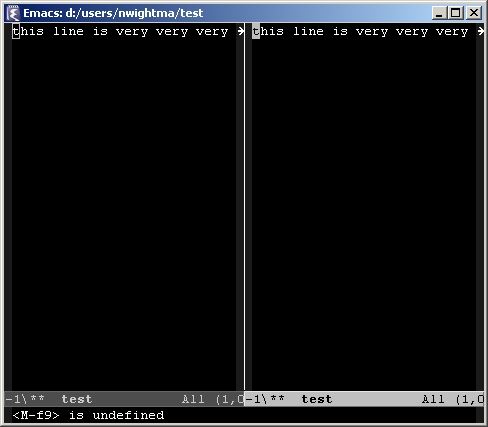
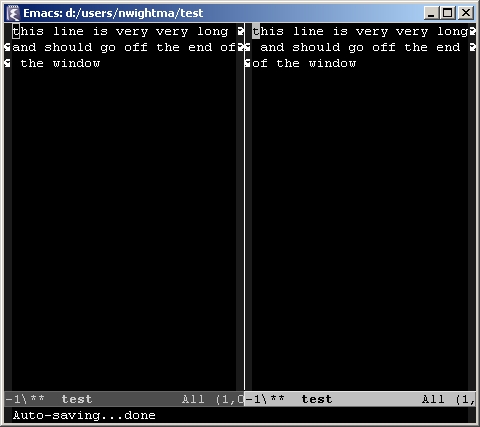
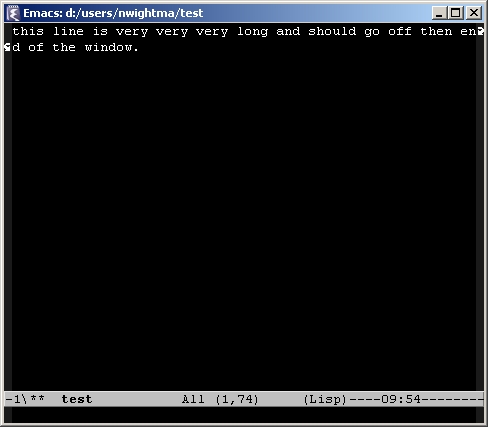
By default emacs has line wrap enabled for the whole window. I.e if you only have 1 buffer open then it will line wrap at the edge of the window.
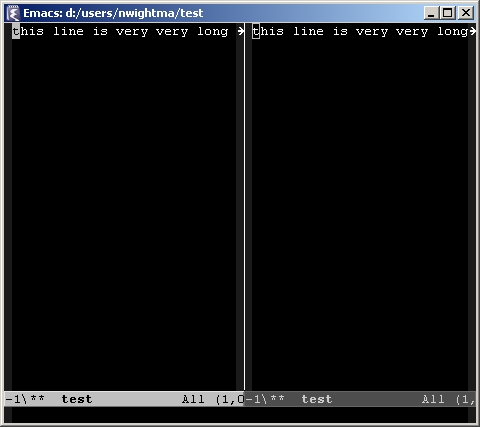
If you open many buffers though there is no line wrapping on each buffer.
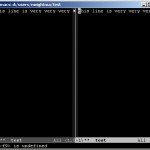
If you add the following to your .emacs file it will make side by side buffers behave like the full window.

(setq truncate-partial-width-windows nil)
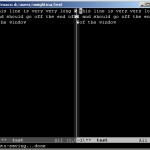
I dont like line wrap, especially when coding so I set the following

(setq default-truncate-lines t)
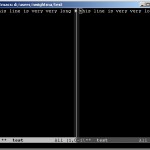
I then use f12 to toggle the line wrap by adding the following

(global-set-key [f12] 'toggle-truncate-lines)

So my whole line-wrap.el file is

;; See http://www.delorie.com/gnu/docs/elisp-manual-21/elisp_620.html
;; and http://www.gnu.org/software/emacs/manual/elisp.pdf

;; disable line wrap
(setq default-truncate-lines t)

;; make side by side buffers function the same as the main window
(setq truncate-partial-width-windows nil)

;; Add F12 to toggle line wrap
(global-set-key [f12] 'toggle-truncate-lines)

See 38.3 Truncation or the emacs manual for more information.
emacs refresh F5 key

Thursday, April 17th, 2008

I use this little addition to my .emacs file to support reloading the current file I’m editing.

(defun refresh-file ()
  (interactive)
  (revert-buffer t t t)
  )

(global-set-key [f5] 'refresh-file)

You can also use CTRL-x CTRL-v to do a “Find alternative file” and choose the same file that you are currently editing. F5 is a little quicker though.